
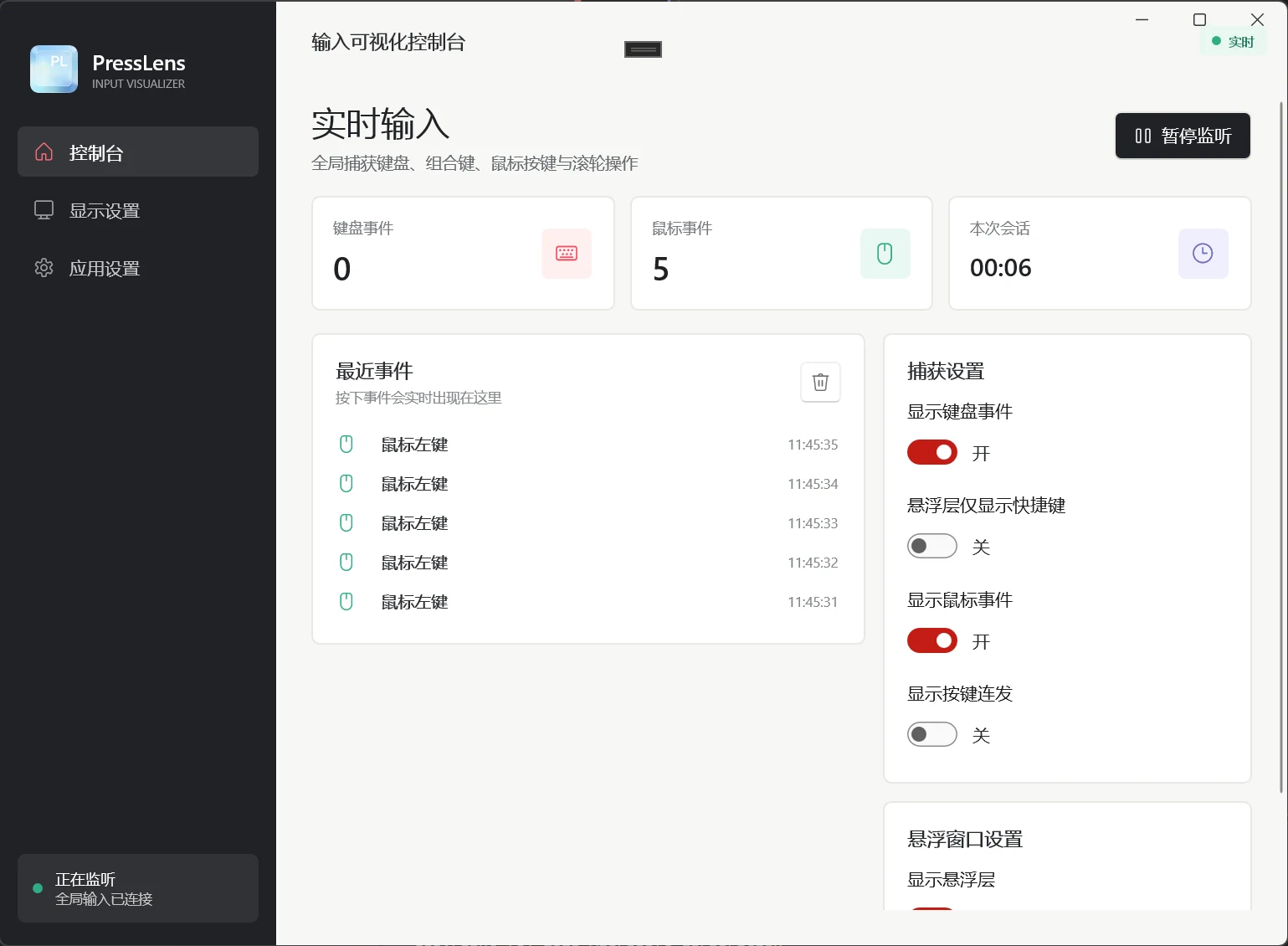
Windows tool
Live
PressLens
Keystroke & Mouse Visualizer
Global keyboard and mouse capture with a console for counts and session time, plus an overlay that shows viewers exactly what you pressed.
Welcome to Joyland Studio (趣岛工坊), a solo indie digital workshop. Windows desktop utilities originally planned as paid releases are now completely free to download after paid tier approval did not go through. Thoughtfully built WeChat casual games are showcased here to overcome zero organic search exposure. Clean, lightweight, and bloatware-free—crafted to streamline your desktop routine and bring quick relaxation to your day.

From global keystroke display and liquid-glass text rendering to Twitter long-image exports and clean food journaling. 100% free with no paywalls—open any card to view real application screenshots, version logs, and direct access links.
Keystroke & Mouse Visualizer
Global keyboard and mouse capture with a console for counts and session time, plus an overlay that shows viewers exactly what you pressed.
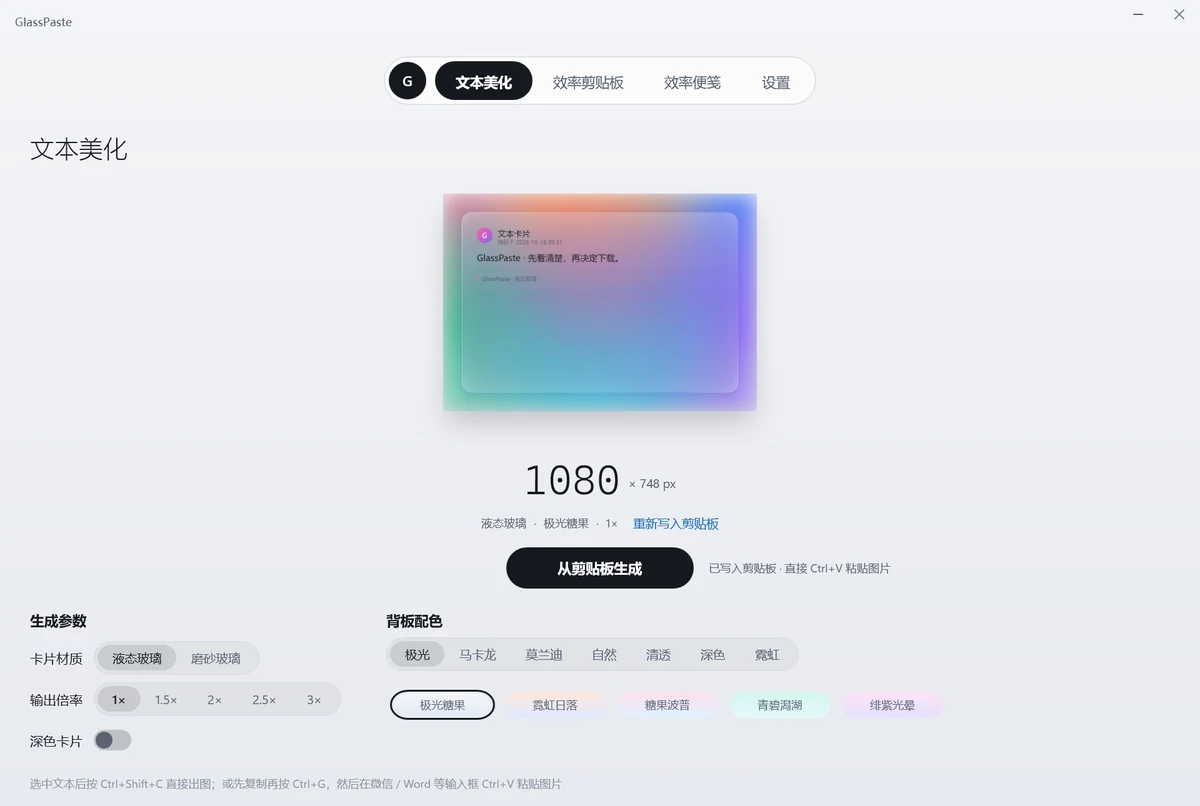
Text-to-glass renderer & clipboard
Renders clipboard text into a glass-textured image and keeps your last ten copies on screen as edge tabs.

WeChat Mini Program · Photo-First Food Diary
A photo-first food diary: time and place fill themselves in, you add a rating and a note, and it prints as a polaroid poster.
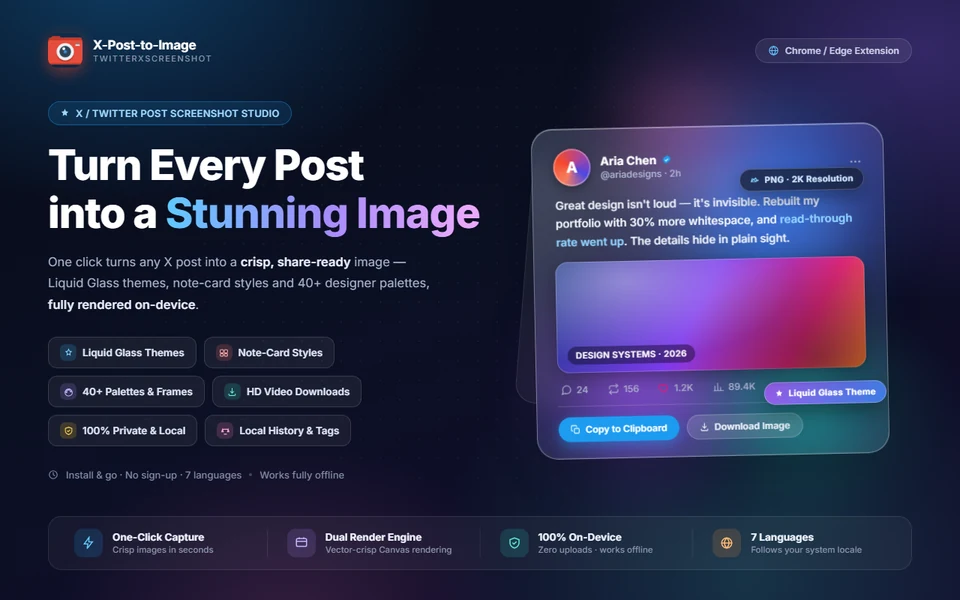
Tweet capture & visual rendering
Adds buttons to X to render any tweet into a high-resolution card: three templates, five frames, designer themes, plus original video downloads.
Version, platform, status and last update — the facts that do not fit on a card but decide whether you install.
| Updated | Entry | |
|---|---|---|
| PressLensGlobal keyboard and mouse capture with a console for counts and session time, plus an overlay that shows viewers exactly what you pressed. | 2026-09-24 | Store |
| GlassPasteRenders clipboard text into a glass-textured image and keeps your last ten copies on screen as edge tabs. | 2026-10-16 | Request |
| Qingmu Shidan (BiteLog)A photo-first food diary: time and place fill themselves in, you add a rating and a note, and it prints as a polaroid poster. | Ongoing | WeChat search |
| X-Post-to-ImageAdds buttons to X to render any tweet into a high-resolution card: three templates, five frames, designer themes, plus original video downloads. | 2026-09 | Add-on store |
| Add-One MatchNumber merging, star popping and 2048 in one mini game. Search inside WeChat and play — nothing to download. | Ongoing | WeChat search |
| Fruity ChuzzleA Chuzzle-style drag-and-wrap matcher on a 6×6 grid, with four modes, super fruit and locked fruit. | Ongoing | WeChat search |
| Match & LinkClassic link matching with multiple fill directions, rising difficulty and three assist tools. | Ongoing | WeChat search |
| Catch the Big FishA tray-matching game with seven slots, where the order you pick decides the round. About five minutes per run. | Ongoing | WeChat search |
The most practical thing on this shelf: it puts your keyboard and mouse on screen in real time, so recordings, streams and tutorials never have to stop and explain a shortcut.
Keyboard events, mouse events and session time counted separately, cleared in one click.
Always on top of any app; position, width, opacity and font size are adjustable.
Keyboard, mouse and key repeat toggle independently, so only what matters is on screen.
Runs completely offline with zero uploads or tracking. Lightweight and clean.
GlassPaste does two things: renders clipboard text into an image, and keeps the last ten things you copied within reach.
先看清楚,
再决定下载。
复制 → 渲染 → 粘贴
Text becomes an image
40 presets, 7 families
The last ten, always at hand
Keep what you use often
All five are remappable
Stored on your own machine
Current build is 0.1.0 and the store listing is being prepared. If you want to try it early, email me and I will send the beta build together with its known issues.
No installer, no account. Search the name inside WeChat, or scan the code on the detail page, and you are in a round.
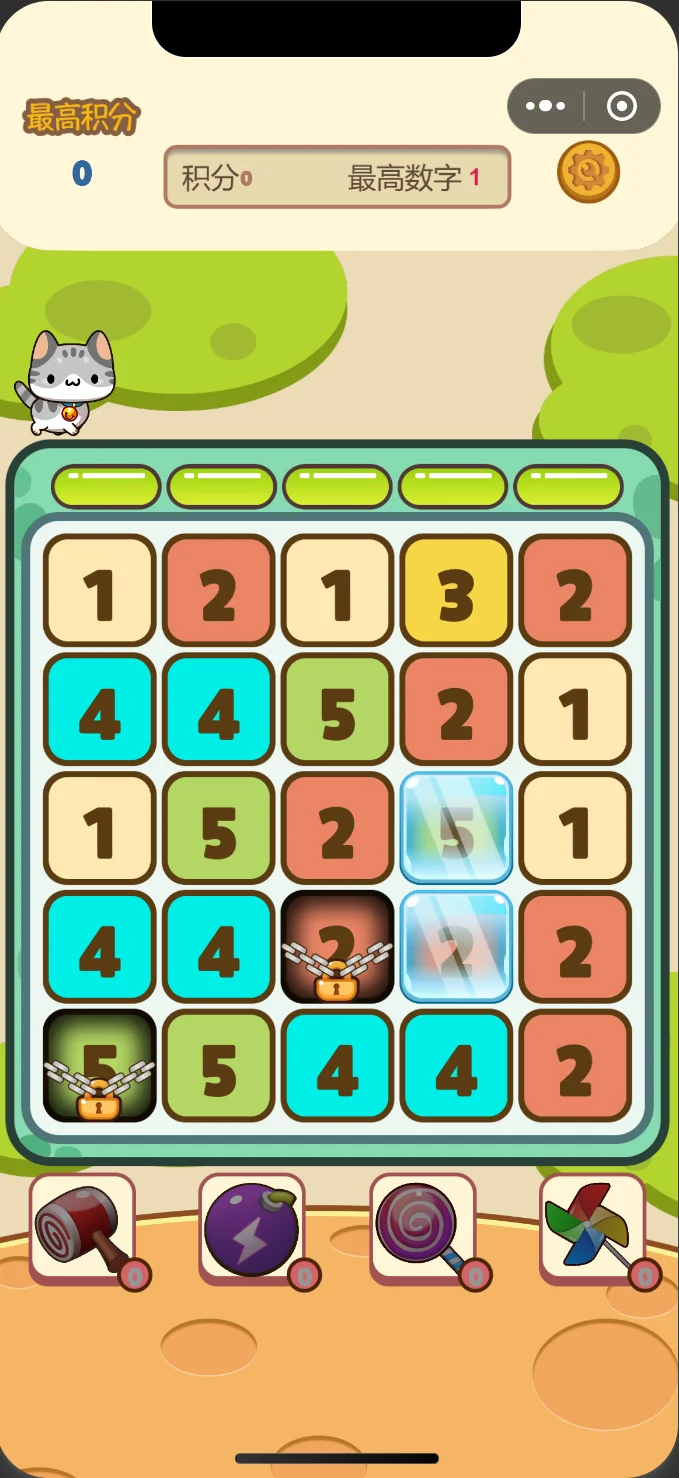
Number merging, star popping and 2048 in one mini game. Search inside WeChat and play — nothing to download.
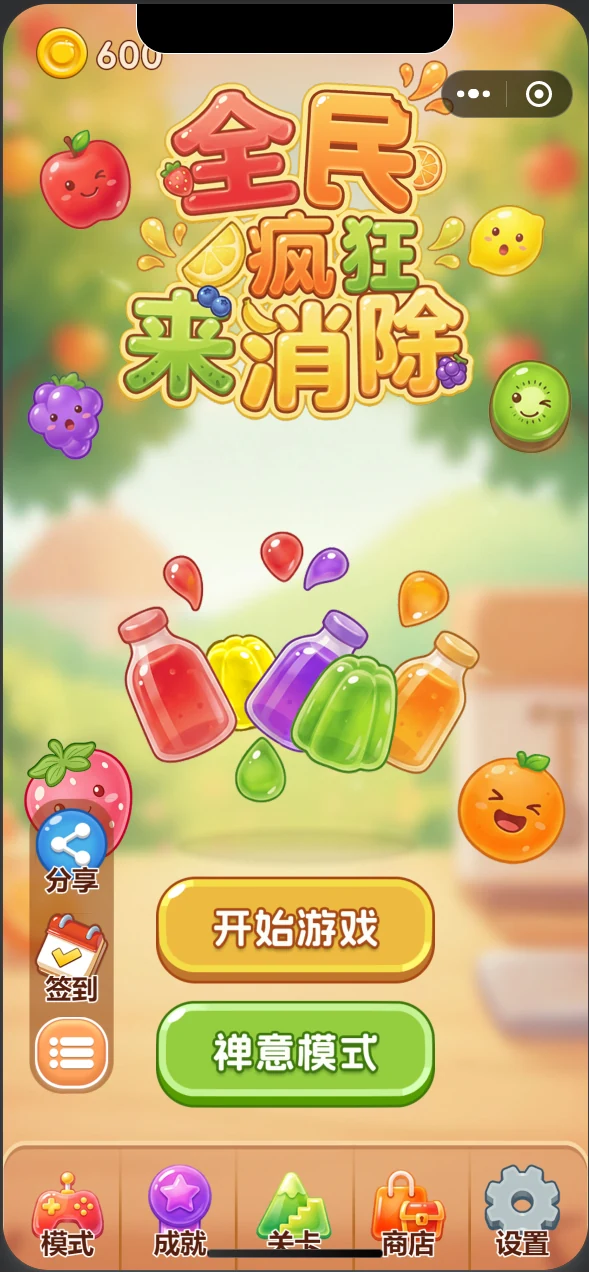
A Chuzzle-style drag-and-wrap matcher on a 6×6 grid, with four modes, super fruit and locked fruit.
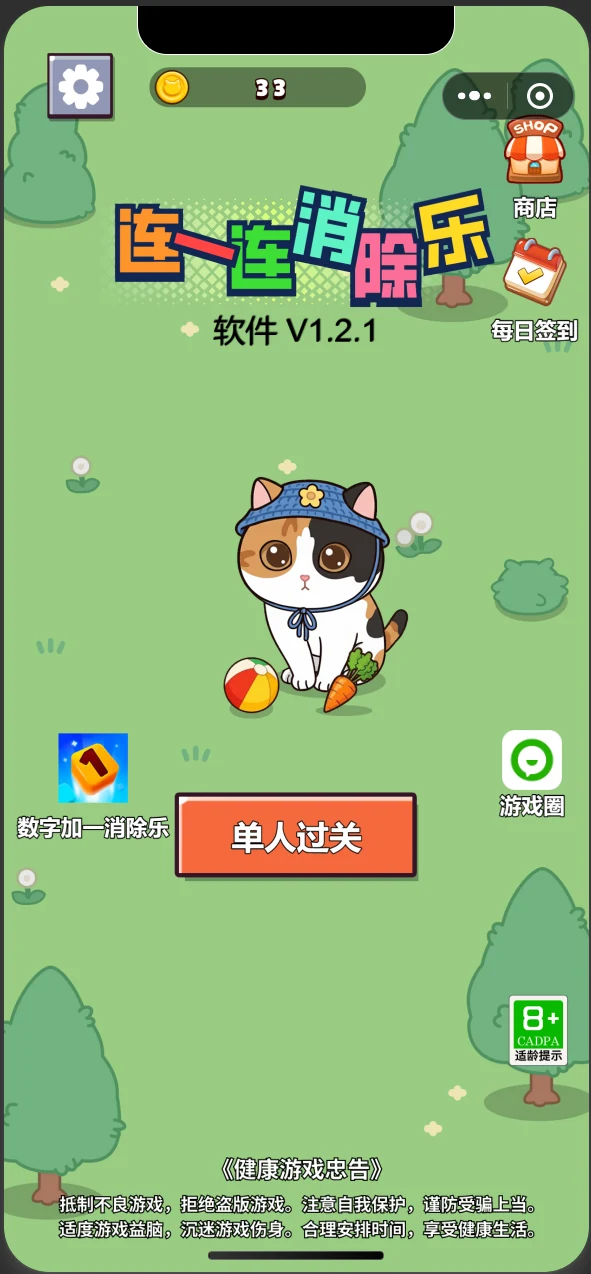
Classic link matching with multiple fill directions, rising difficulty and three assist tools.
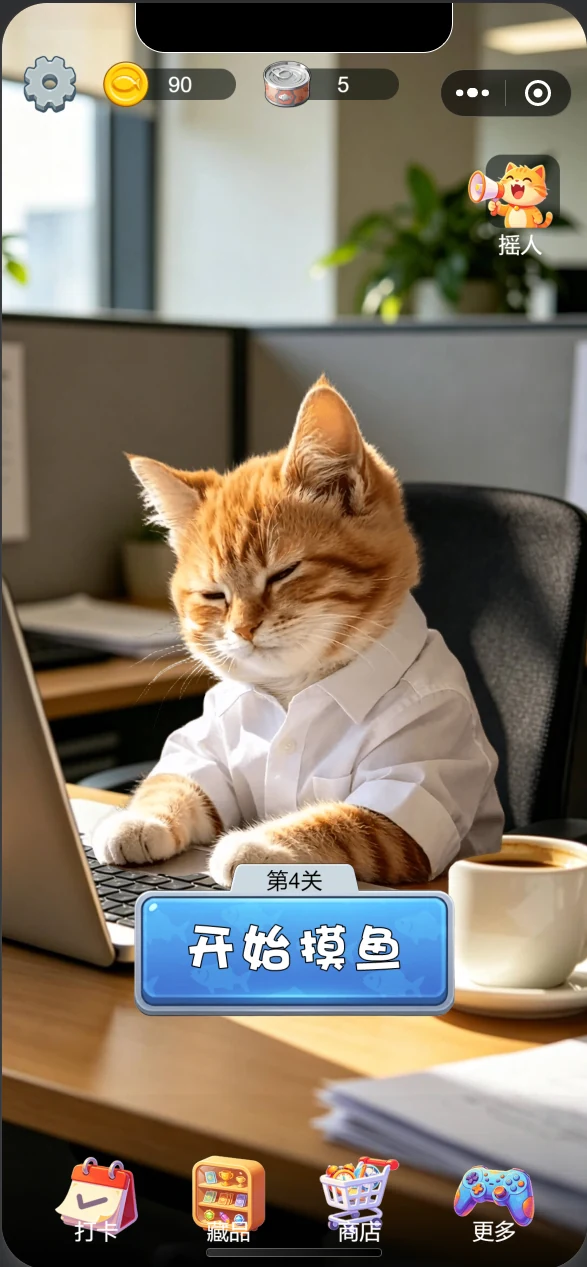
A tray-matching game with seven slots, where the order you pick decides the round. About five minutes per run.
Different platforms need different preparation. Here is the difference, up front.
Installed from Microsoft Store, removed through system settings. Version and requirements are listed; no account needed.
02 productsInstalled from the Chrome or Edge add-on store, with permissions explained one by one and a switch to disable it any time.
01 productSearch the name inside WeChat or scan a code. Progress stays on the device, no extra permissions.
04 productsAlso one search away, with nothing to install. Data stays on the device and only syncs after sign-in.
01 productOnly things that actually happened: versions released, stores entered, and the one still being prepared.
Eight products on one shelf, with Chinese and English kept in separate folders.
Text rendering and clipboard manager entered beta; store materials in progress.
New build submitted to Microsoft Store with enhanced display settings and high-refresh support.
New render engine and a two-column Xiaohongshu template.
Hello! I am the solo independent developer behind Joyland Studio (趣岛工坊). I personally design, code, and refine every piece of software, browser tool, and puzzle game showcased here.
To be completely honest, building software as an indie creator is full of real-world trials. When I created Windows tools like PressLens (keystroke visualizer) and GlassPaste (text card renderer), I originally hoped to publish them as paid downloads on Microsoft Store to earn coffee money. However, the paid tier application was not approved. Instead of giving up, I chose to open them up completely free for everyone to download—no dark patterns, no bloatware, and no background residency. If they make your daily workflow smoother, they've accomplished their mission.
Similarly, the casual WeChat mini-games were planned around lightweight in-app ads, but in reality, WeChat games receive virtually zero organic search traffic without paid promotion. I created this workshop site to put these creations out in the open. My primary goal right now is simply to have real people try them, enjoy them, and help me build up my developer reputation. If any tool helps you or a game brightens your coffee break, leaving a 5-star review or recommending it to friends would mean the world to me!
Prompt replies on weekdays. The best part of building software is hearing real feedback—bug reports, ideas, or casual thoughts are all deeply welcome!
Before the screenshots and the download button, these should be clear.
Search the name inside WeChat, install from the store on Windows, add the extension in your browser. If nothing fits, write to me about the problem you are trying to solve.